
Social media
Keep captions and hashtag sets ready to reuse
You already wrote the announcement. Keep a short version, a longer caption and the links in one campaign folder, so preparing the next post starts with the right draft.
 iPhone · iPad · Vision Pro
Apple Silicon · Intel
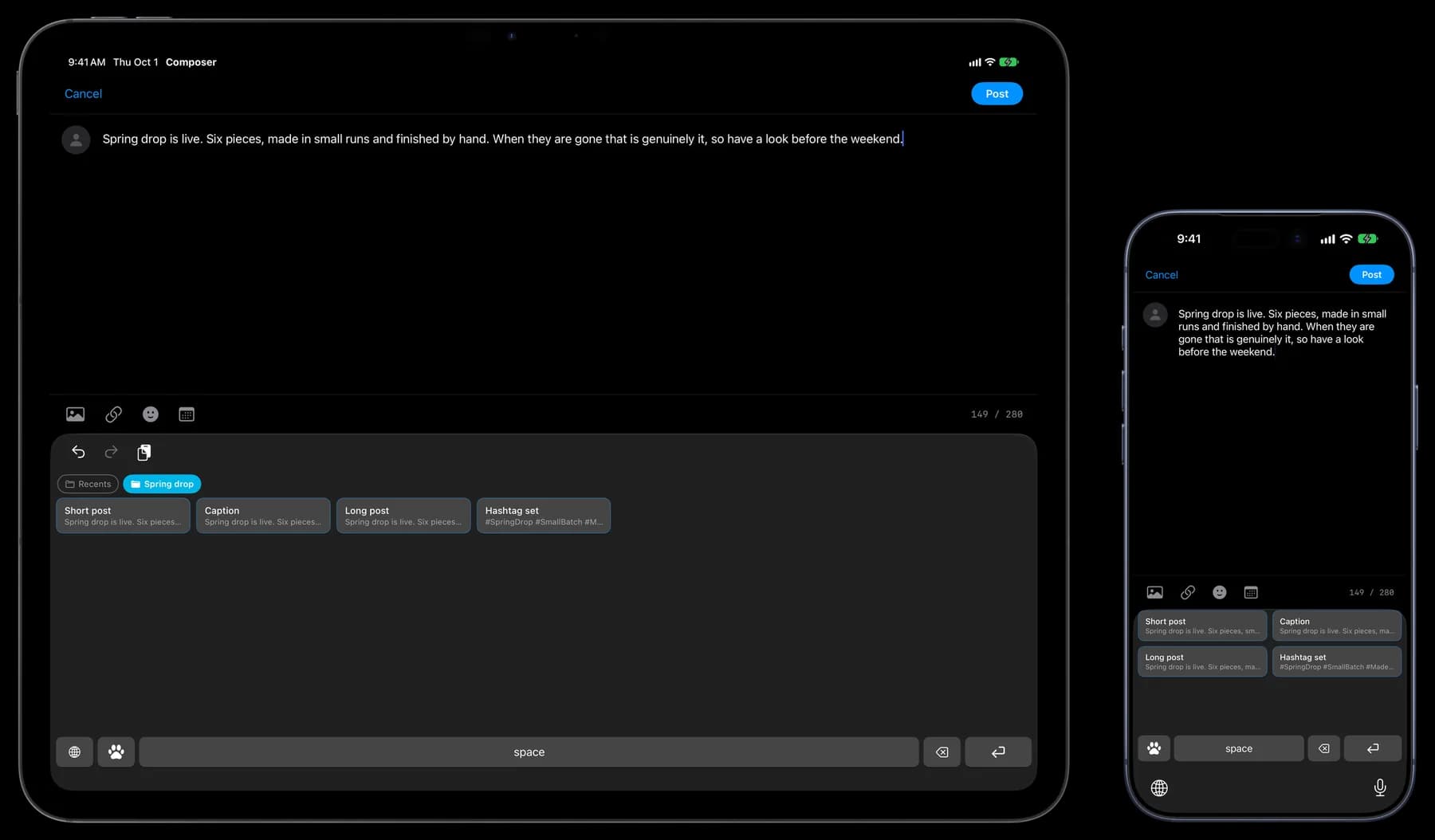
Save a few versions for the places you post
Example caption cards for a small shop. Save the versions you need, then adjust the details and check the destination’s requirements before posting.
One announcement, three draft lengths
Short post
Our spring collection is here: six handmade pieces. Take a look at [link].
Caption
Our spring collection is here. Six pieces, made in small batches and finished by hand. Browse the collection at [link]. Which one would you choose?
Long post
Meet our spring collection: six pieces, made in small batches and finished by hand. Each piece is checked before packing. Browse the full collection at [link], or send a message if you have a question about sizing or delivery.
Save your hashtag set as a separate card
#SpringCollection #SmallBatch #Handmade #NewCollection #IndependentShop
Reuse it with the caption you choose. Adjust the tags for the post and the platform.
Library
A campaign folder, plus one for regular posts
Save caption drafts, hashtag sets, product links and common replies as separate cards. Keep the line breaks you want in each draft. Before posting, check the link and edit any dates or details that have changed.
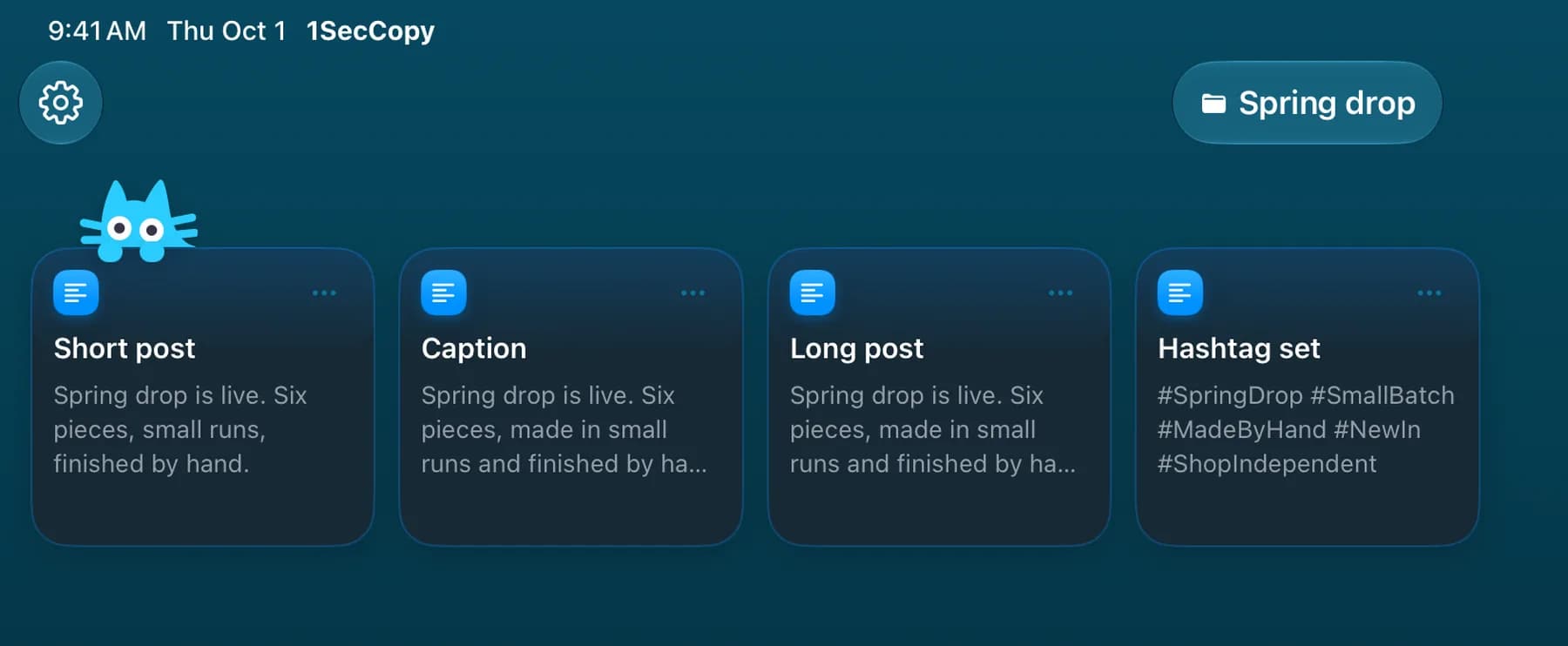
Keyboard
Insert saved text while drafting a post
On iPhone and iPad, the 1SecCopy keyboard inserts text cards in supported text fields. Quick Copy gives you another way to copy cards from the Home Screen. On Mac, use the menu bar panel while preparing posts at your desk.
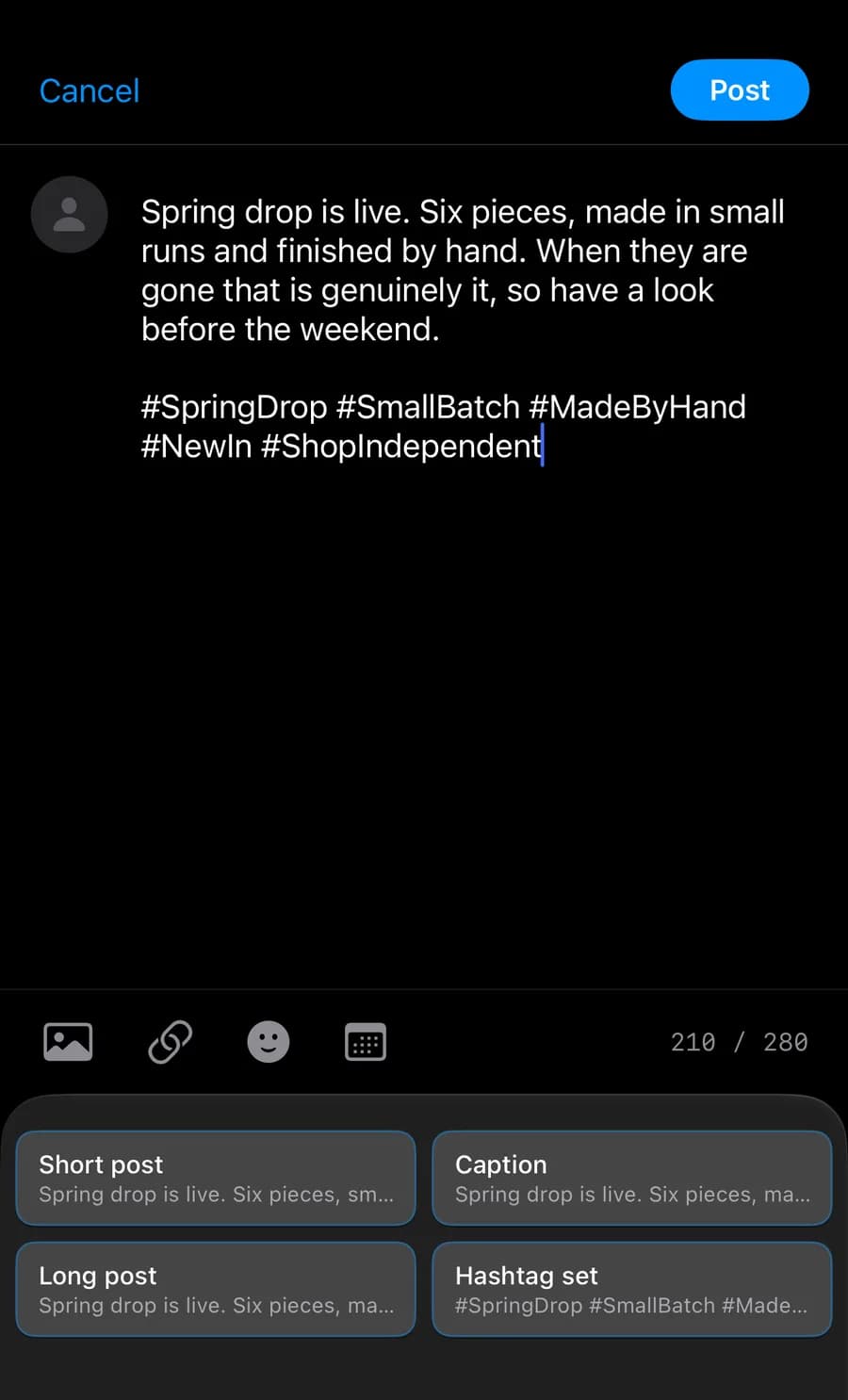
Sync
Edit on Mac, pick it up on your phone
Premium cloud sync keeps your saved cards available across devices. Revise a caption on your Mac and reuse the updated card on your iPhone or iPad. Check the finished post before publishing.

Start with the things you use every day
Download 1SecCopy and save a few replies, prompts, images or snippets. Put them in a folder and try using one in your next task.
iPhone · iPad · Vision ProApple Silicon · Intel