
Memes and reactions
Find the reaction image you meant to send
That one picture is useful in half your group chats. Save it as an image card, add a name you’ll remember and keep your favorites in one folder.
 iPhone · iPad · Vision Pro
Apple Silicon · Intel
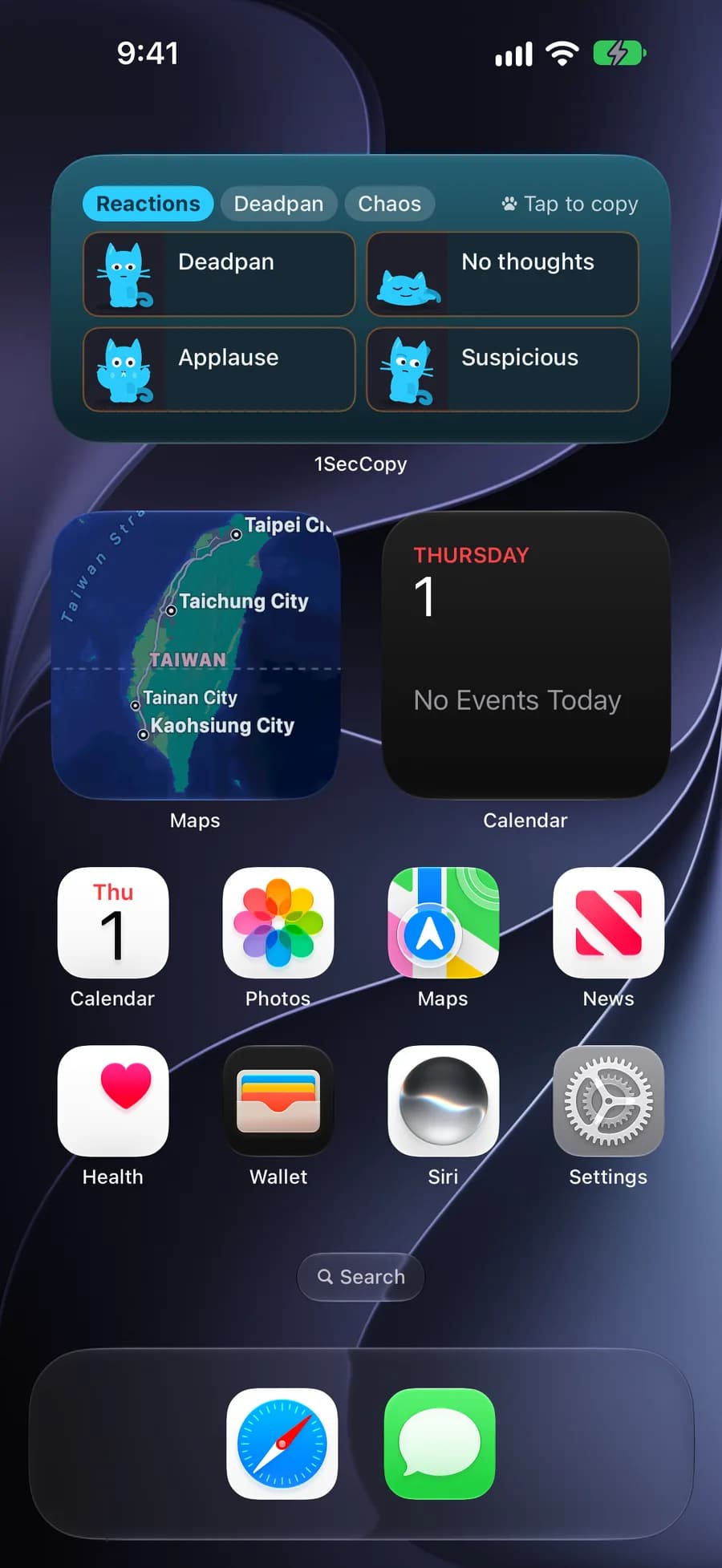
Quick Copy widget
Keep your reaction folder on the Home Screen
01
Pick a reaction
Open the Quick Copy widget and browse your reaction folder.
02
Copy the image
Tap an image card to copy it to the clipboard.
03
Paste and send
Return to a chat that supports image pasting. Paste the image, then send it.
Image cards
Give your favorites a place and a name
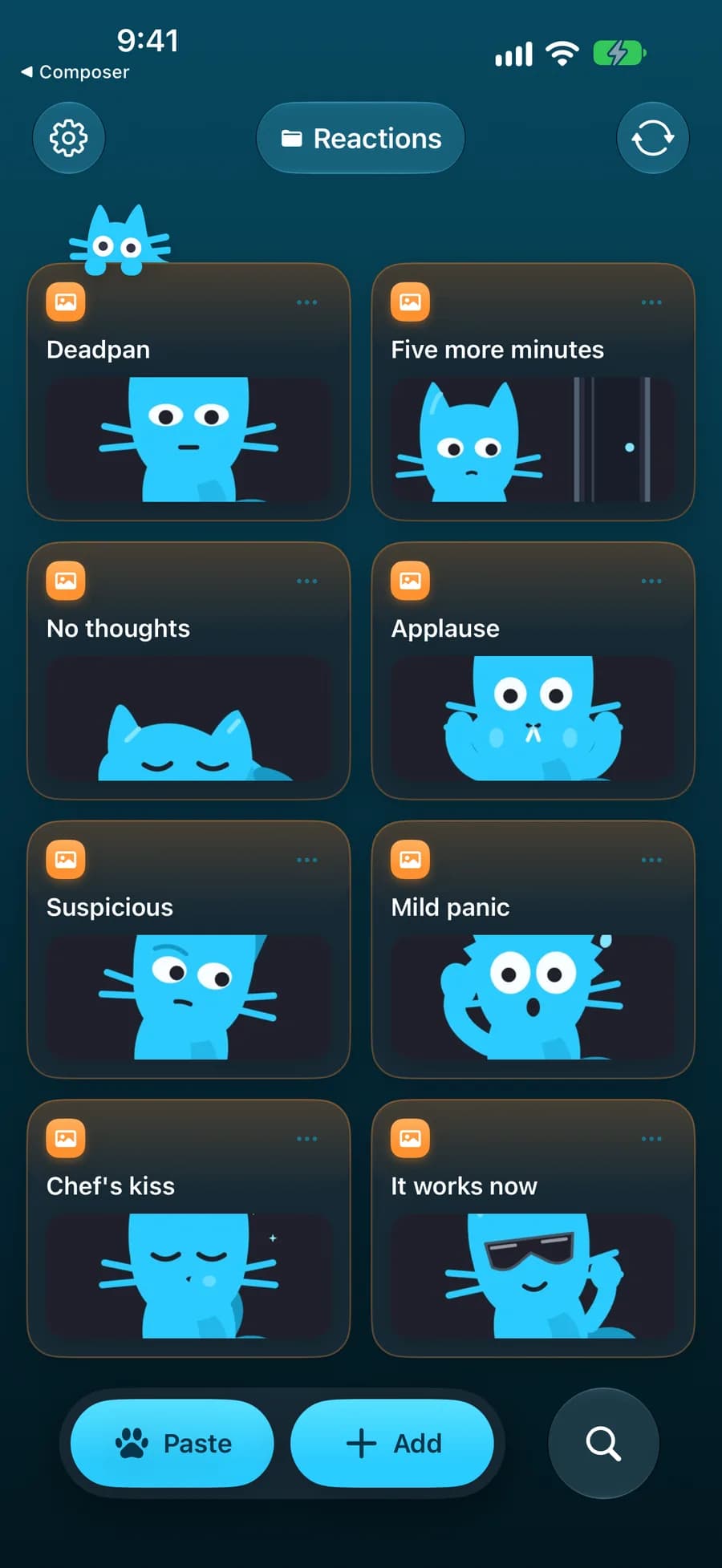
Save images as cards and group them by mood or chat. Move the ones you use most to the top. A name such as “applause” is easier to search for than a file number.
Reactions
- Deadpan
- Five more minutes
- No thoughts
- Applause
- Suspicious
- Mild panic
- Perfect
- It works now
Sync
Save on Mac, use on iPhone
Found an image while browsing on your Mac? Save it there. Premium cloud sync makes your image cards available on your other devices, without sending each one to yourself.

Start with the things you use every day
Download 1SecCopy and save a few replies, prompts, images or snippets. Put them in a folder and try using one in your next task.
iPhone · iPad · Vision ProApple Silicon · Intel